

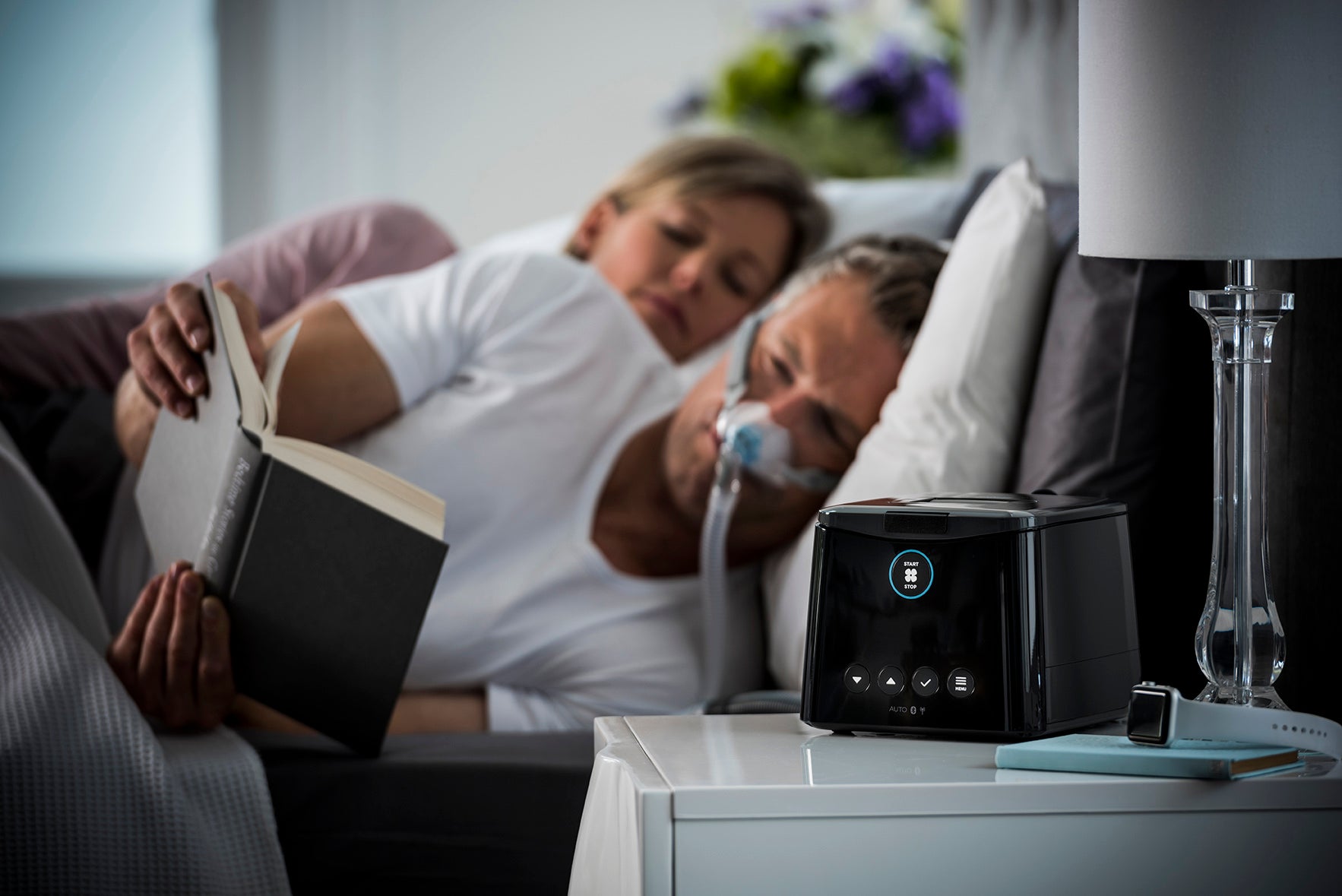
Just got your CPAP machine and mask and not sure where to start? You’re not alone. Many people open the box, read the manual, and still feel unsure. This guide breaks everything down into simple steps so you can set up your CPAP machine with confidence.
What Comes with a new CPAP Machine
A standard CPAP setup usually includes the machine, humidifier chamber (built-in or detachable), power supply, air tubing and filter. Some models may also include a travel bag or SD card, although most newer devices use Bluetooth for data tracking.

A CPAP mask is typically sold separately. Before you begin, make sure you have your CPAP machine, mask, tubing, and humidifier if applicable. If you're in the market for a new CPAP machine, browse our collection of CPAP machines here.
Read The User Guide / Manual
Before setting up your device, take a few minutes to read the manual. Every CPAP machine is slightly different, and the manual explains how your specific model works, how parts connect, and how to access settings. This helps prevent setup mistakes and makes the process much easier.
CPAP Setup Instructions for Beginners
Start by inserting the humidifier chamber if your machine has one. It should click or slide into place securely without force. Next, plug in the power supply and connect the machine to a wall outlet. Check that the air filter is properly installed, usually on the side or back of the device, to protect it from dust.
Place the CPAP machine on a flat, stable surface, ideally slightly lower than head level to help prevent water from entering the tubing. Connect one end of the tubing to the machine and the other to your mask, ensuring both ends are secure.
How to Fill the CPAP Humidifier
Remove the water chamber and fill it with distilled water only. Tap water can cause mineral buildup and damage your equipment over time. Fill to the max line and reinsert the chamber into the machine. For more details on water source, read Do I Have To Use Distilled Water With My CPAP Machine?

Most CPAP machines automatically adjust humidity levels, so no manual tuning is required at this stage.
If you’re already using CPAP therapy and need replacement parts, including water chambers, tubing, or filters, you can find them here to keep your equipment working properly and your therapy consistent.
Turning On Your Therapy
Once everything is connected, turn the machine on. Most modern CPAP devices allow you to scroll through the menu and adjust basic comfort settings directly on the screen.
Common settings include humidity level, ramp time (gradual pressure increase), mask type selection, and comfort features like pressure relief. Most machines are pre-set to your prescription, so avoid changing therapy pressure unless advised by your provider.
Many CPAP devices also include Bluetooth, which lets you connect to a mobile app to track sleep data such as usage hours, mask fit, and therapy performance.
First Night Tips
Put your mask on while sitting upright, then lie down once comfortable. Turn the machine on and breathe normally. If available, use the ramp feature to start at a lower pressure for easier adjustment. The first few nights may feel unfamiliar, which is completely normal, but with practice and time, it will improve. Learn more in A Beginner’s Guide to CPAP Therapy: What to Expect in Your First 30 Days.
Self-Setup vs CPAP Support
Many users successfully set up their CPAP on their own at home. However, if you’re unsure about pressure settings, struggling with mask fit, or experiencing discomfort and just require more care along the way, professional support at a local clinic can improve comfort and results. Find a local CPAP clinic near you here. Early guidance can make a big difference in long-term success.
Troubleshooting Common CPAP Issues
If you experience air leaks, dryness, noise, or discomfort, don’t ignore it. These issues are common in the beginning and are usually easy to fix with small adjustments. Read more in CPAP Mask Leaks and How to Fix Them and Cleaning and Caring for Your CPAP Equipment which is very important for care and maintenance.
Summary
CPAP setup is simple once you understand the basics. Start with the manual, assemble your machine step by step, use distilled water in the humidifier, and keep settings aligned with your prescription. Expect a short adjustment period as you get used to therapy. Small comfort tweaks are normal and often needed. While many people can self-set up their CPAP, getting support when needed can improve comfort, confidence, and long-term success with therapy.
CPAP Therapy Setup Frequently Asked Questions
What should I do first when I open my CPAP machine?
Check that you have all parts ordered (machine, mask, tubing, humidifier, filter, power supply). Then read the manual before connecting anything, as each model has slightly different setup instructions.
Can I set up my CPAP machine myself at home?
Yes, many people successfully self-setup at home. However, if you feel unsure about settings, mask fit, or comfort, getting support from a local CPAP provider is recommended to avoid early frustration.
What pressure should my machine be set to?
Your pressure setting should be based on your prescription. If you don’t have one, your machine may run on default or auto settings.
How tight should my mask be?
Snug, not tight. Over-tightening can cause leaks and discomfort. A proper fit should seal gently against your face.
Why does the air feel strange?
That’s normal at first. Your body needs a few nights to adjust to pressurized airflow.
Do I need to use it every night?
Yes. Consistency is key to seeing results and feeling better.
What if I feel dry or congested?
This usually comes down to humidity settings or mask type. Small adjustments can make a big difference.
Why is my CPAP machine blowing too much or too little air?
This usually relates to pressure settings. If your machine is in auto mode, it adjusts automatically, but incorrect setup or mask leaks can also affect airflow. Persistent issues should be reviewed with your provider.
Why do I wake up with a dry mouth or nose?
This is typically related to humidity settings, mask type, or mouth breathing. Adjusting humidification or using a different mask style may help.
What if I can’t tolerate my CPAP machine?
Many early issues are fixable. Mask fit, pressure comfort settings, and humidity levels are usually the first things adjusted. If problems continue, professional support can help fine-tune therapy.


